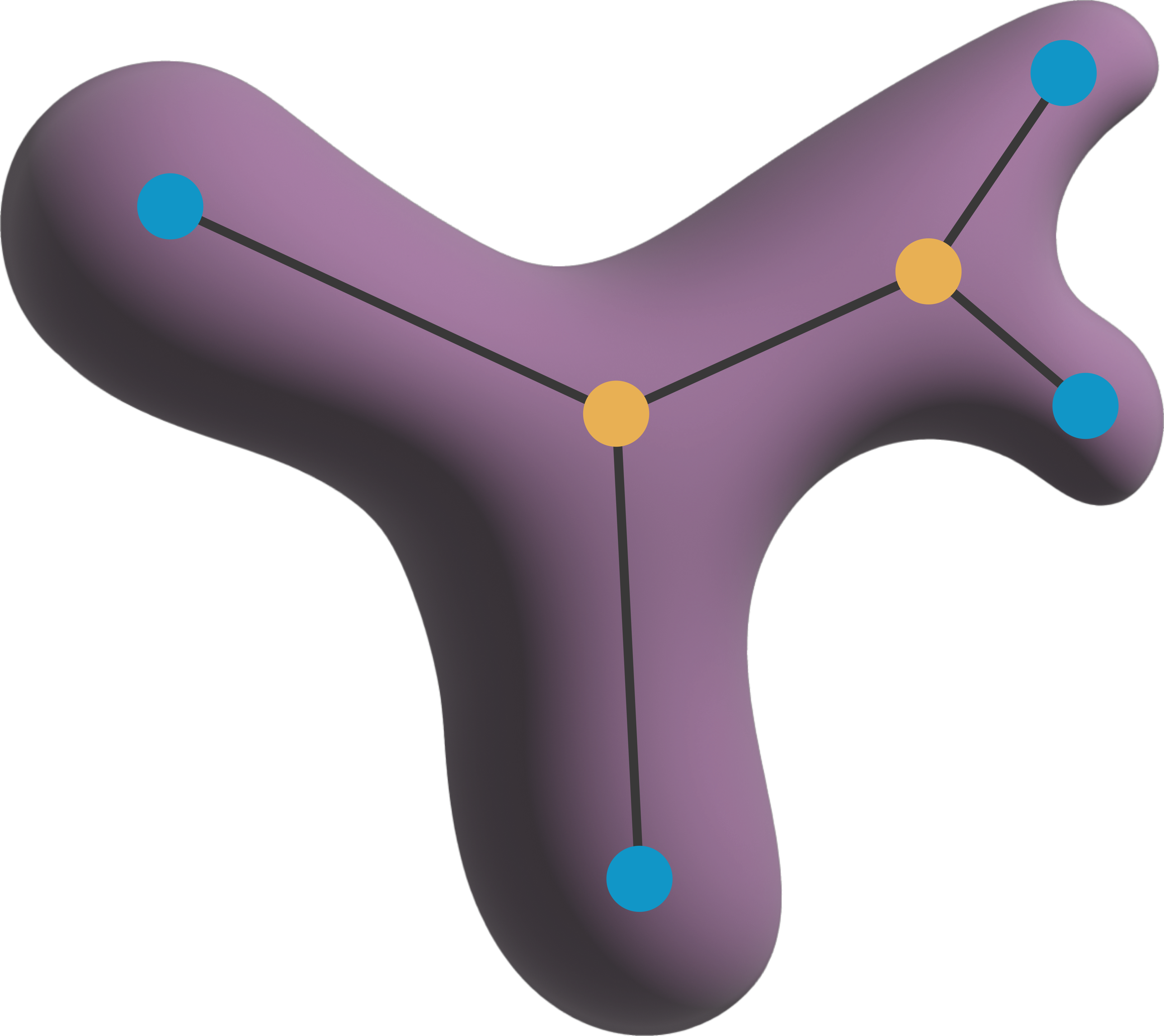
ToskaSkeleton class for skeleton analysis#
This notebook demonstrates the usage of the ToskaSkeleton class for skeleton analysis with napari-toska
import napari_toska as nts
from skimage.morphology import skeletonize
from skimage.data import binary_blobs
from skimage.measure import label
import napari
viewer = napari.Viewer()
labels = label(binary_blobs(rng=0))
skeleton = skeletonize(labels)
Skeleton = nts.ToskaSkeleton(labels, neighborhood='n8')
Skeleton.analyze()
Building Graph: 100%|██████████| 48/48 [00:00<00:00, 1998.44it/s]
detected malformatted label: 87 changed type from 2 (branch) -> 1 (end point)
Found isolated nodes:  [24]
Could not connect isolated node:  24
Finding spines: 100%|██████████| 14/14 [00:00<00:00, 1555.34it/s]
Calculating summary features: 100%|██████████| 14/14 [00:00<00:00, 875.01it/s]
viewer.add_layer(Skeleton)
<ToskaSkeleton layer 'labels_data' at 0x2d69ba6dd90>
The measured features can be retrieved by inspecting the Skeleton.features attribute. The features are stored in a pandas DataFrame. Note that some measurements describe individual parts of the skeleton (such as the branch_length) whereas others summarize the entire Skeleton (e.g., n_cycle_basis).
Skeleton.features
| label | object_type | skeleton_id | branch_length | spine | n_branches | n_endpoints | n_branch_points | n_cycle_basis | n_possible_undirected_cycles | |
|---|---|---|---|---|---|---|---|---|---|---|
| 0 | 1 | 1 | 2 | 0.0 | 0 | 25 | 11 | 13 | 2.0 | 3.0 |
| 1 | 2 | 1 | 4 | 0.0 | 0 | 1 | 2 | 0 | 0.0 | 0.0 |
| 2 | 3 | 1 | 4 | 0.0 | 0 | 1 | 2 | 0 | 0.0 | 0.0 |
| 3 | 4 | 1 | 2 | 0.0 | 0 | 25 | 11 | 13 | 2.0 | 3.0 |
| 4 | 5 | 1 | 1 | 0.0 | 0 | 1 | 2 | 0 | 0.0 | 0.0 |
| ... | ... | ... | ... | ... | ... | ... | ... | ... | ... | ... |
| 102 | 103 | 3 | 2 | 0.0 | 0 | 25 | 11 | 13 | 2.0 | 3.0 |
| 103 | 104 | 3 | 2 | 0.0 | 0 | 25 | 11 | 13 | 2.0 | 3.0 |
| 104 | 105 | 3 | 2 | 0.0 | 0 | 25 | 11 | 13 | 2.0 | 3.0 |
| 105 | 106 | 3 | 12 | 0.0 | 0 | 3 | 3 | 1 | 0.0 | 0.0 |
| 106 | 107 | 3 | 2 | 0.0 | 0 | 25 | 11 | 13 | 2.0 | 3.0 |
107 rows × 10 columns
To retrieve summary statistics about the skeletons in a single dataframe, you can group the dataframe by the skeleton_id and aggregate all other values. In this example, all branch_lengths are summed up whereas the first entry is kept for the summary fields, as they are identical for every graph element, anyway:
# Group Skeletons by skeleton_id
grouped = Skeleton.features.groupby('skeleton_id').agg({'branch_length': 'sum', 'n_branches': 'first', 'n_endpoints': 'first', 'n_branch_points': 'first', 'skeleton_id': 'first'})

# display in single dataframe
grouped
| branch_length | n_branches | n_endpoints | n_branch_points | skeleton_id | |
|---|---|---|---|---|---|
| skeleton_id | |||||
| 1 | 7.071068 | 1 | 2 | 0 | 1 |
| 2 | 865.498700 | 25 | 11 | 13 | 2 |
| 3 | 4.242641 | 1 | 2 | 0 | 3 |
| 4 | 11.313708 | 1 | 2 | 0 | 4 |
| 5 | 35.355339 | 1 | 2 | 0 | 5 |
| 6 | 22.627417 | 1 | 2 | 0 | 6 |
| 7 | 185.261977 | 9 | 6 | 4 | 7 |
| 8 | 28.284271 | 1 | 2 | 0 | 8 |
| 9 | 2.828427 | 1 | 2 | 0 | 9 |
| 10 | 0.000000 | 0 | 0 | 0 | 10 |
| 11 | 9.899495 | 1 | 2 | 0 | 11 |
| 12 | 118.793939 | 3 | 3 | 1 | 12 |
| 13 | 1.414214 | 1 | 2 | 0 | 13 |
| 14 | 0.000000 | 0 | 0 | 0 | 14 |
| 15 | 24.041631 | 1 | 2 | 0 | 15 |