Local thickness#
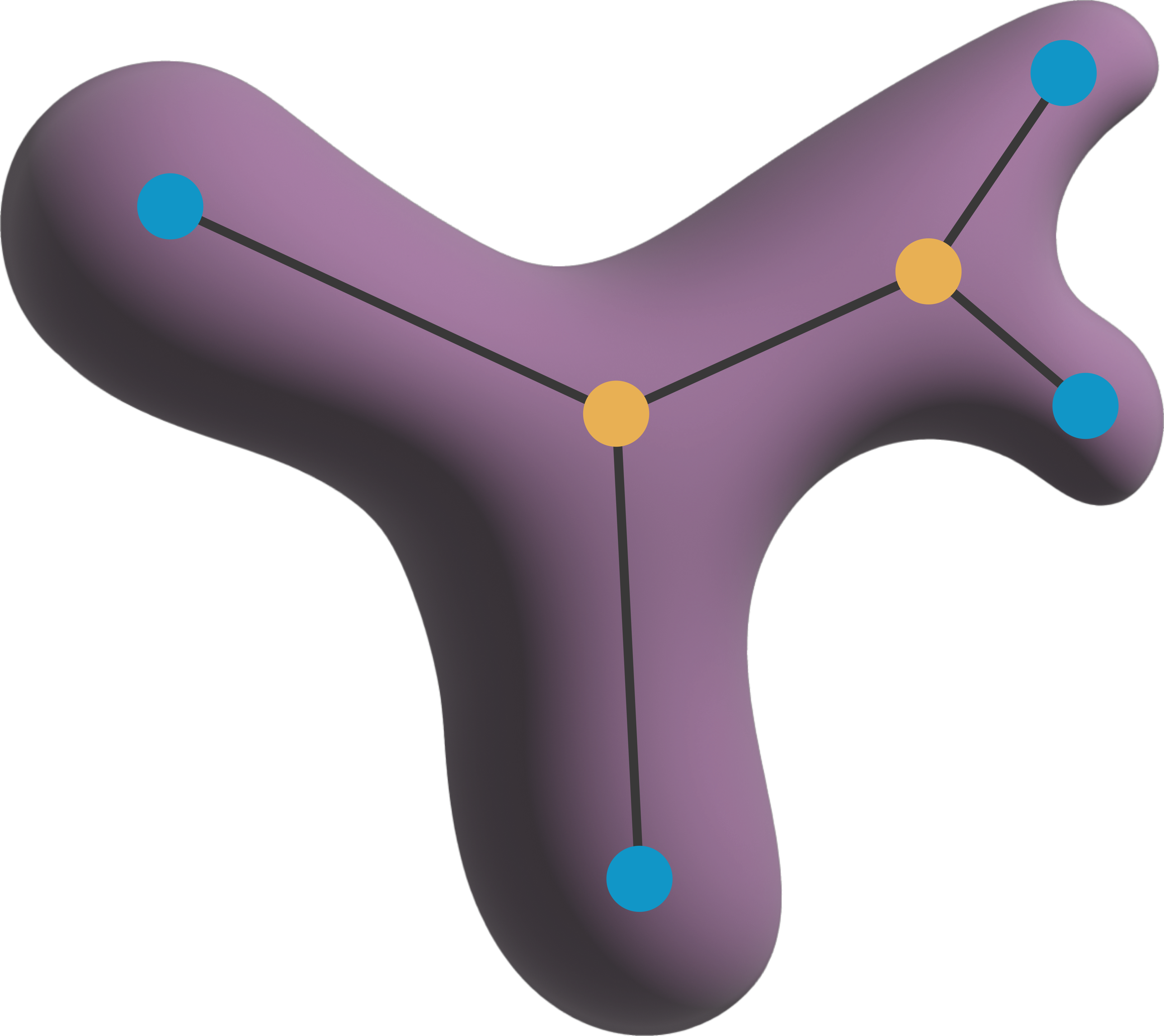
You can use napari-toska to measure the local thickness of a skeletonized image. The local thickness is the diameter of the largest circle/sphere that can be inscribed at each point of the skeleton.
Note: This can become quite slow, especially for 3D images. Consider working one skeleton at a time.
from skimage import measure, data, draw
import napari_toska as nts
import numpy as np
import napari
viewer = napari.Viewer()
Assistant skips harvesting pyclesperanto as it's not installed.
labels = measure.label(data.binary_blobs(rng=0))
Create an outline#
labeled_skeletons = nts.generate_labeled_skeletonization(labels)
labeled_outline = nts.generate_labeled_outline(labels)
print('Number of skeletons: ', labeled_skeletons.max())

viewer.add_labels(labeled_outline)
Number of skeletons: 15
<Labels layer 'labeled_outline' at 0x1b8d4f5c190>
Measure local thickness#
local_thickness = nts.generate_local_thickness_skeleton(labeled_outline, labeled_skeletons)
viewer.add_image(local_thickness, name='local_thickness', blending='additive', colormap='inferno')

napari.utils.nbscreenshot(viewer, canvas_only=True)

Reconstruction#
You can also (to a degree) reconstruct the original label image from the local thickness image. This is done by drawing a circle/sphere at each point of the skeleton with a radius equal to the local thickness at that point.
reconstruction = nts.reconstruct_from_local_thickness(local_thickness)
viewer.add_labels(reconstruction, name='reconstruction', blending='additive')

napari.utils.nbscreenshot(viewer, canvas_only=True)
