ToskaSkeleton#
- class napari_toska.ToskaSkeleton(labels_data: napari.types.LabelsData, neighborhood: str, **kwargs)[source]#
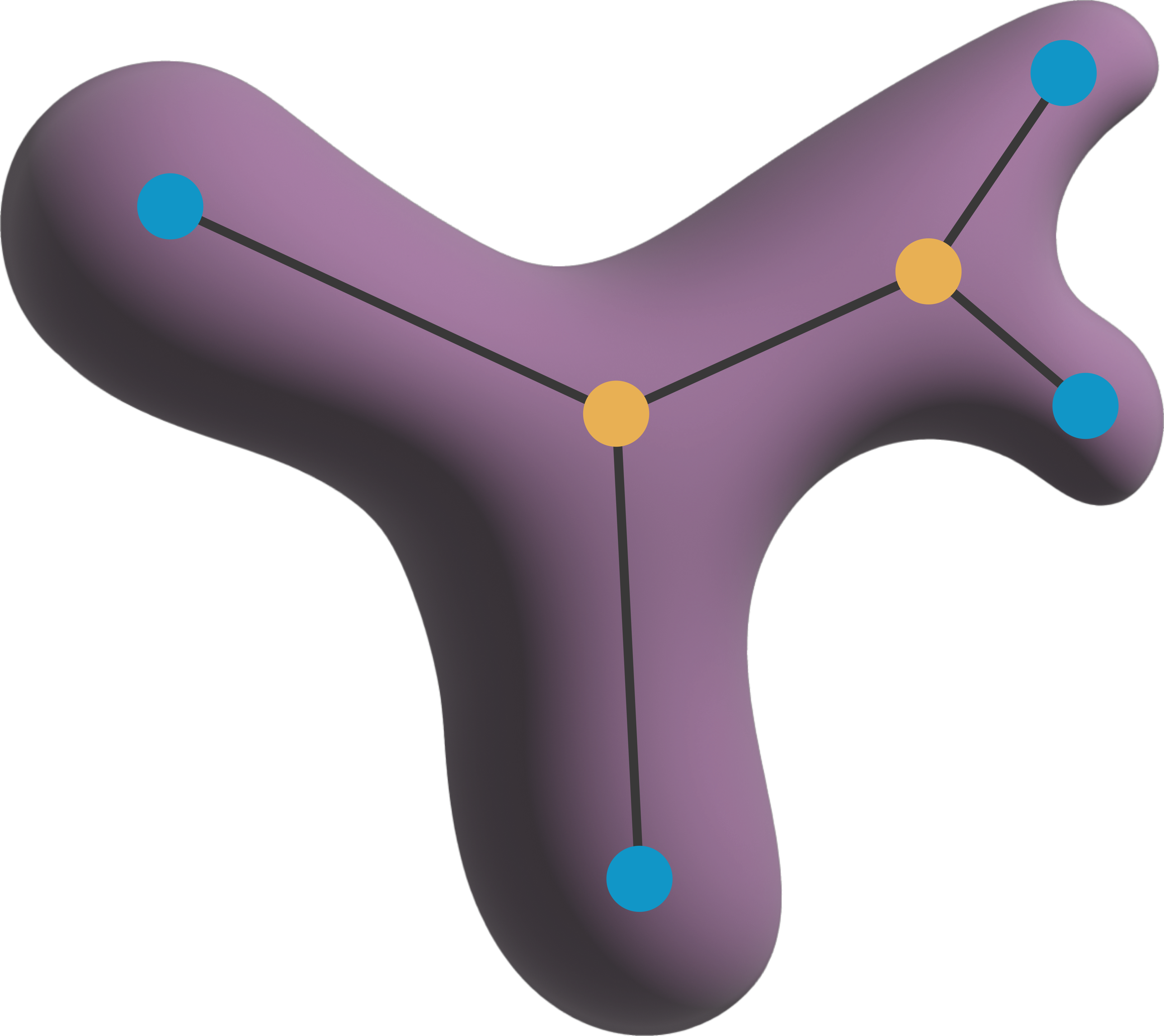
A class to represent a skeleton image in napari.
Parameters:#
- labels_datanapari.types.LabelsData
The data to be processed - has to be a napari Label image.
- neighborhoodstr
The neighborhood connectivity of the skeleton. Can be “n4”, “n6”, “n8”, “n18”, or “n26”. “n4” and “n8” apply only to 2D images. “n6”, “n18”, and “n26” apply to 3D images.
- **kwargs
Additional keyword arguments to pass to the Labels layer.
Attributes:#
- neighborhoodstr
The neighborhood connectivity of the skeleton.
- graphnx.Graph
A networkx graph representing the skeleton. The graph is built from the skeleton data and is stored in layer.metadata for easy access.
- featurespd.DataFrame
A DataFrame containing features of the individual nodes and edges of the skeleton graph but also of the skeleton as a whole.
Methods:#
- analyze()
Analyze the skeleton data and build a networkx graph from it.
- create_feature_map(feature: str) -> napari.types.ImageData
Create a feature map from the skeleton data. Any column in the features DataFrame can be used as a feature.
Examples:#
>>> import napari
>>> import napari_toska as nts
>>> from skimage.data import binary_blobs
>>> from skimage.measure import label
>>>
>>> # create a binary image
>>> labels = label(binary_blobs(rng=0))
>>>
>>> # Build the Skeleton object
>>> Skeleton = nts.ToskaSkeleton(labels, neighborhood='n8')
>>> Skeleton.analyze()